
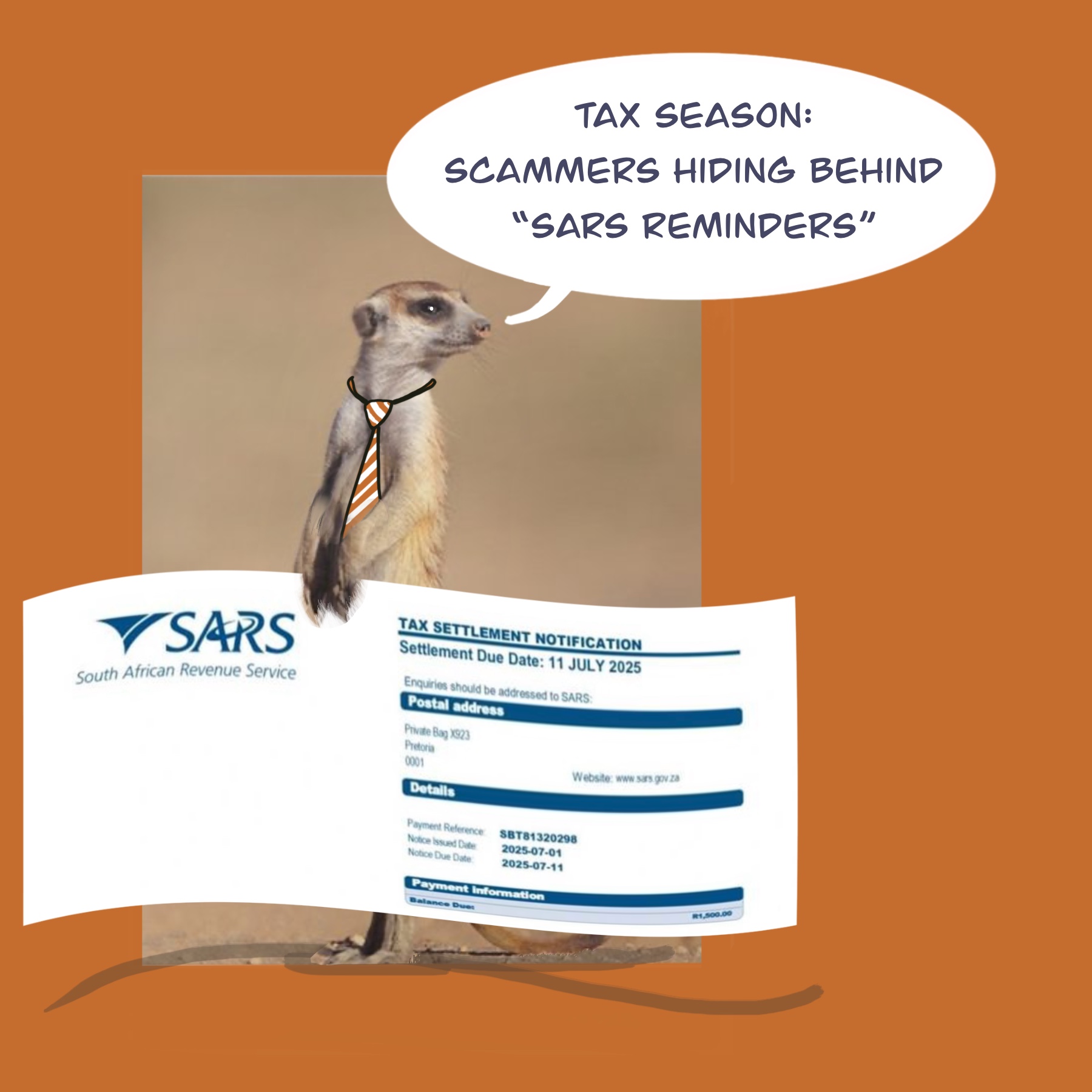


It’s Tax Season here in South Africa, so you are on the lookout for important and time-sensitive emails from your taxation service provider, and also from the South African Revenue Service (SARS).
Stay on high alert for the fraudsters as well, because they are busy with a new set of tricks. Today’s Meerkat Alert will give you the details of an email you might find in your Inbox in the coming weeks.
This case study is about a request for a SARS arrears payment.
This is a very simple one: you receive a fraudulent email, apparently from SARS, requesting settlement of an arrears taxation amount. The email looks as if it comes from SARS – it has a seemingly legitimate letterhead, and the characteristic blue-and-white SARS stationery layout.
However, as with any apparently official email these days, especially when it is a request for payment, look carefully at the email address from which it was sent, as well as the specific details it contains.
What should you check for?
- The first thing to do, always, is hover your mouse over the Sender’s email address and scrutinise the domain from which the mail was sent. SARS emails will come from a .gov.za domain. In this case study, the emails are being sent from @sarsalert.com (not @sars.gov.za).
- The second thing to do is to check the specific details – your own account number / taxpayer details, as well as any bank account to which they are requesting payment. In this case study, the email body does not include your specific taxpayer number, or if it does it includes incorrect details. In addition, the bank account referenced is not an official SARS bank account number.
A picture is worth a thousand words, so here is a sample screenshot for you:

As always, picking up your telephone will surpass blind trust.
Whenever you receive a payment request via email, use a trusted telephone number (from your own records, not from within the suspicious email) and confirm the expected payment processes and bank account details directly with your service provider.

0 Comments