


Picture yourself opening the door to your local café. The rain is lashing down outside but indoors everything is safe and cosy, wrapped in the steamy scent of freshly ground coffee beans.
You settle in and place your usual order with the waitron, “A flat white, please… and do you have the Wi-Fi name and password?”
Such an everyday phrase, yet it could be the key to your online safety.
Public Wi-Fi hotspots are another known way for a hacker to breach your defences and gain access to the secure login details of a device or account that you use to access the internet in a public place, whether it’s the coffee shop, the airport or even your local Woolworths.
Here’s how it happens:
Any hacker can set up their own hotspot, anywhere. They can do this remotely so even if you are the only patron in sight, it’s no guarantee of safety.
The hacker chooses a plausible name, which pops up in the list of possible networks to join when you open your phone or laptop in a popular public place.
That offer of supposedly free Wi-Fi access then comes at a price, because when you click (or tap) on the button to join the network, you log in to the hacker’s own server – and after that they can record every keystroke you use.
As always, there are a couple of simple steps that will keep your crucial data safe:
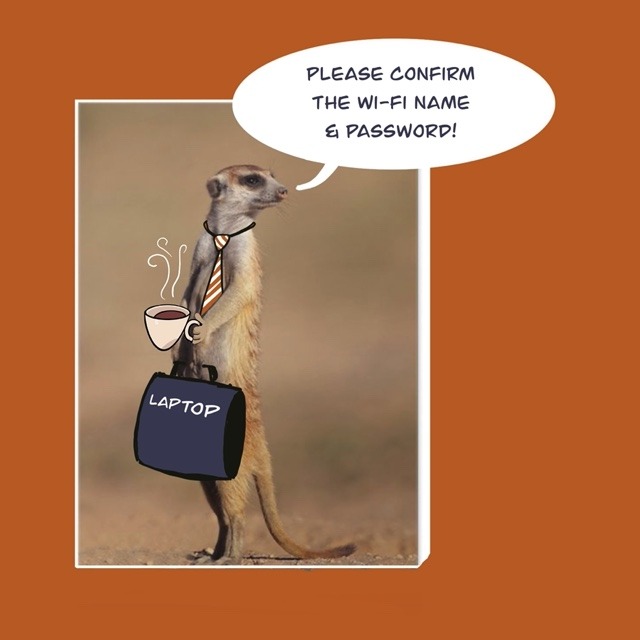
- Ask an actual employee to confirm the Wi-Fi network name and password. Do this even if you have been there and used the Wi-Fi before – better safe than sorry!
- To be super safe, don’t do banking transactions or access your email via a public Wi-Fi network. Instead, switch off Wi-Fi on your device and use your own private data connection for those activities. Once you are done, you can switch over to the public Wi-Fi for browsing and streaming via the internet.
“A flat white, and the Wi-Fi name and password, please.”
But no matter how you change up your beverage order, never fail to confirm the name of the Wi-Fi network and its related password with a member of staff before you access a “free” data hotspot in a public place. Alternatively, the safest strategy is to opt out of any free Wi-Fi and use your own data at all times.

0 Comments