
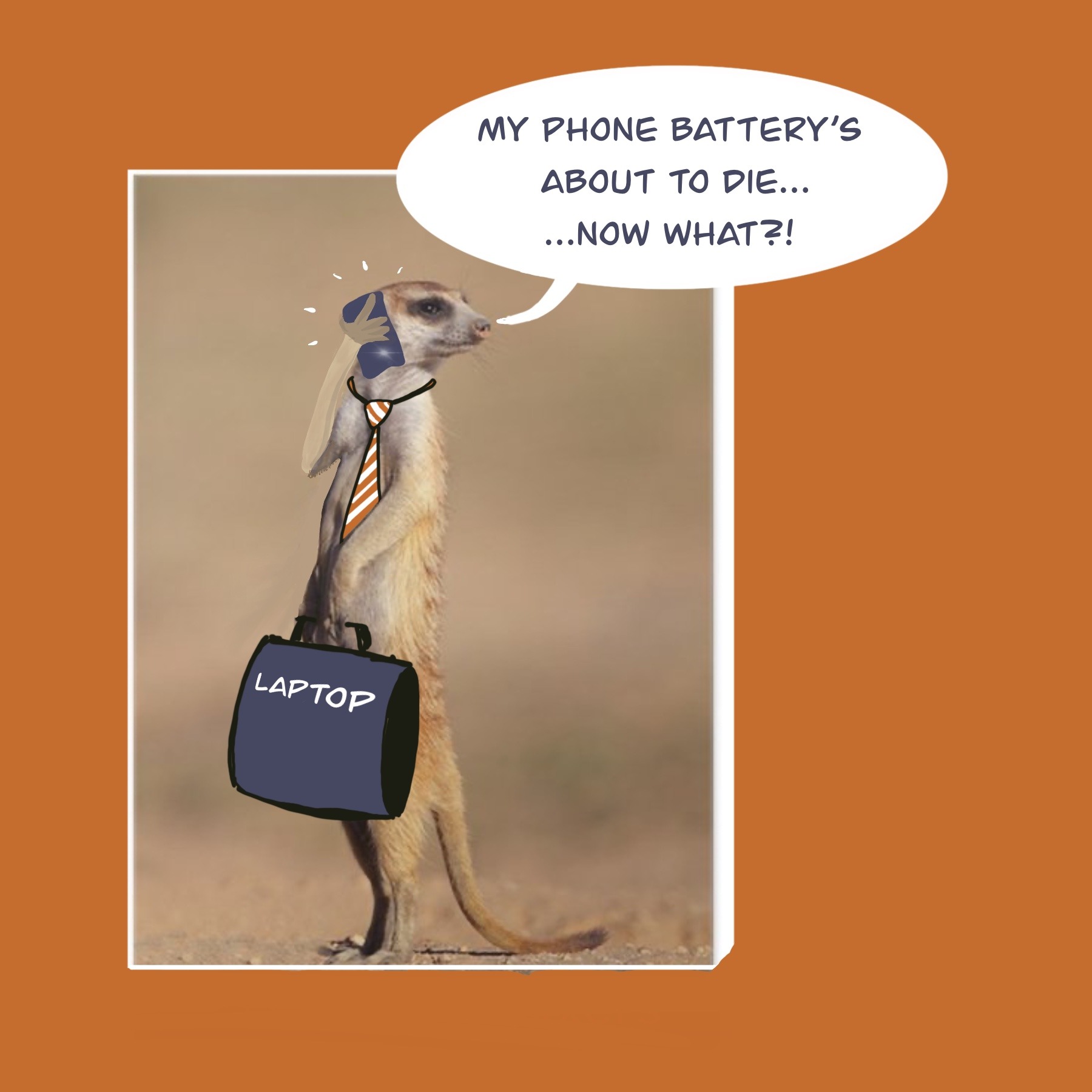


“There’s an app for that!”
Apple’s iconic phrase birthed in 2009 has been the punchline of countless jokes and memes. Fifteen years on, more phone apps exist than ever before and as a result, it’s almost impossible to live life conveniently without your smart phone to help you do so.
Imagine you’ve just arrived at the airport to start a much-anticipated trip.
You’re experiencing that excited pre-travel buzz because you’ve checked in online, you have your passport at the ready and your reading material and music is all queued up to entertain you during the long overnight flight.
But suddenly your heart sinks.
Your phone battery is about to die, and with it your access to your electronic boarding pass, your phone payments for coffee in the departure lounge, and calling an Uber when you get to the other side. All that essential, convenient functionality – gone – as your phone screen fades into blackness.
And then you remember that you can charge your phone in the airport lounge…
❗️As it turns out, you really, really shouldn’t do that.
Cyber security experts warn that using a USB charging point in a public place such as an airport or even on the plane is extremely risky due to what is known as “juice jacking”.
USB ports can be tampered with by someone who wants to access sensitive information from devices without the knowledge of the device owners.
If you use a compromised USB station, the USB ports not only provide power to your device; they also allow transfer of data between devices. Intercepted information can give cyber-criminals access to personal emails, financial data, passwords, photos and more.
A second risk to digital security posed by dodgy USB ports is the potential transfer and deployment of malicious software onto your phone or tablet. If your device gets infected by malware, it could end up leaking sensitive information to a third party or even stop working smoothly, causing massive stress and potentially financial loss.
So, what do you do to avoid “juice jacking”?
The first prize is to leave home with all your devices fully charged. That said, staying connected uses power and batteries get depleted quickly, so you should expect to need to recharge on the way. Here’s how to do it safely:
- Carry a fully charged personal power bank and USB adaptor along to top up your devices.
- Enable security features such as USB Restricted Mode to limit data transfer over USB connections, and regularly update device software to ensure you have the latest bug fixes.
- If you must plug in, do so using a USB data blocker (a small device about the size of a cigarette lighter that ensures only power and no data can flow through the USB cable). USB data blocker devices are available on Takealot for less than R100.
- Ideally, take your own charger and plug it into the wall. Many planes have 230v plugs in their seats for the charging of devices.
- If you have no choice, be sure to use a USB point that is very public and well-monitored. Check it carefully beforehand for signs of tampering.
P.S.
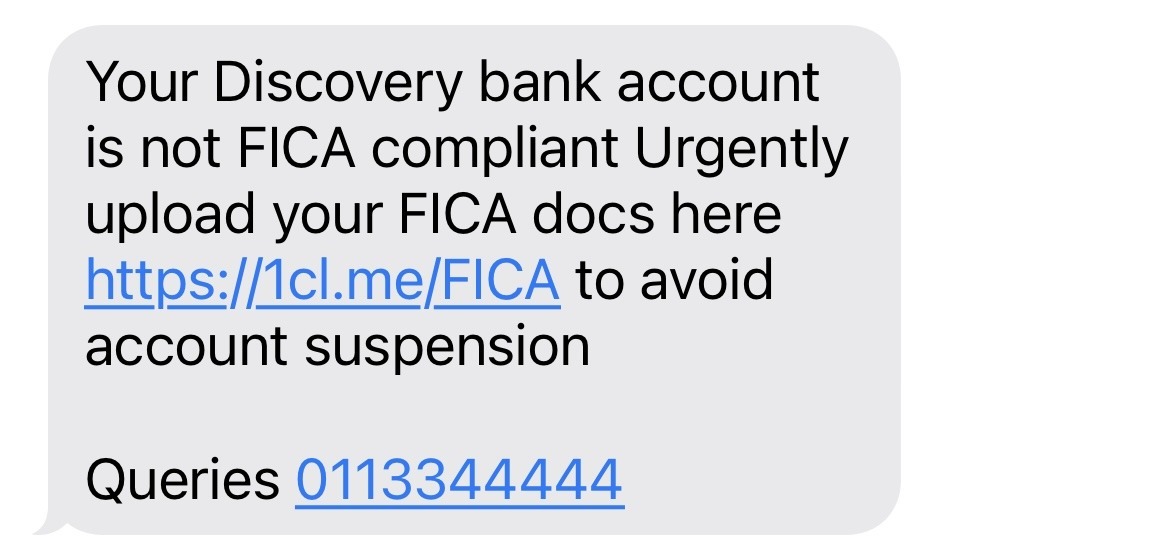
We thought we’d show you the most recent SMS scam message we’ve personally received, in case you haven’t seen it yet.
These scams are ongoing, so remember:
- Never click on the link.
- Never call the phone number in the message. Use the one stored in your phone or find a helpline from the service provider’s official website.

0 Comments